
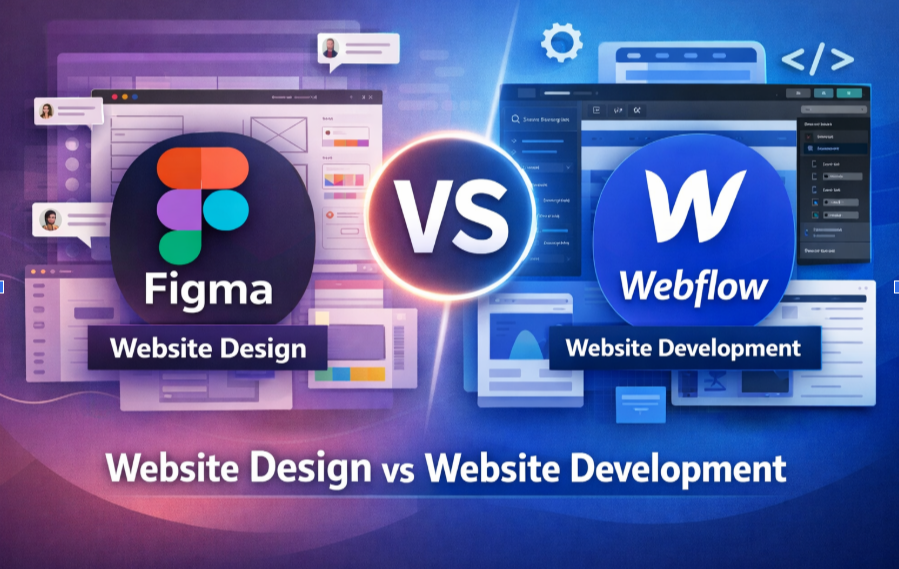
Figma vs Webflow: Website Design vs Development Explained
Understanding the Difference and Choosing the Right Approach
Understand the difference between Figma and Webflow in modern website creation. Learn how UI design in Figma and website development in Webflow work together for high-performing websites.
Introduction:
In the modern digital ecosystem, building a website is no longer just about writing code. Today, brands begin with design systems, visual prototypes, and user-experience planning before moving into development. Two tools that have become central to this process are Figma and Webflow.
While both platforms are used in website creation, they serve very different purposes. One focuses on design and prototyping, while the other focuses on development and publishing.
For businesses planning a website or redesign, understanding this distinction is essential.
This guide explains:
- What Figma is used for
- What Webflow is used for
- The key differences between the two
- When to use each tool
- Which approach works best for modern businesses
What is Figma?
Figma is a cloud-based interface design and prototyping platform widely used by UI/UX designers. It allows teams to create visual layouts of websites and applications before development begins.
Think of Figma as the architectural blueprint of a website.
Key Capabilities of Figma
1. Visual Website Design
Designers create complete page layouts, including:
- Typography
- Color systems
- Layout grids
- Buttons and components
- Icons and imagery
2. Interactive Prototypes
Figma allows designers to simulate how a website will behave by creating:
- Clickable interactions
- Page transitions
- Navigation flows
This helps clients visualize the final product before development.
3. Design Systems & Component Libraries
Large websites require a consistent design. Figma allows teams to create reusable components like:
- Buttons
- Navigation bars
- Cards
- Forms
This ensures visual consistency across all pages.
4. Real-Time Collaboration
Multiple team members can collaborate simultaneously. Designers, developers, and stakeholders can leave comments and feedback directly inside the design.
Important Note:
A Figma design is not a functional website.
It is a visual representation that developers use to build the actual website.
What is Webflow?
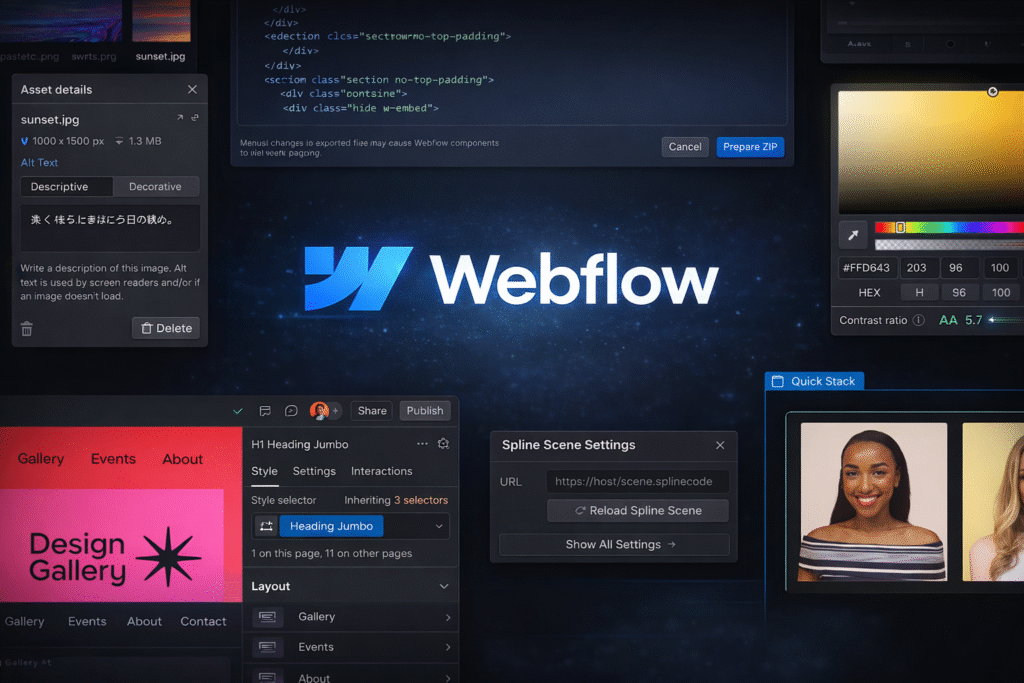
Webflow is a visual web development platform that allows designers and developers to build fully functional websites without traditional coding.
Unlike Figma, Webflow is used to create, host, and publish websites.
Key Capabilities of Webflow
1. Visual Development
Webflow allows designers to visually build websites while generating production-level HTML, CSS, and JavaScript behind the scenes.
This combines design and development into a single workflow.
2. Responsive Website Creation
Webflow enables websites to be optimized for multiple devices, including:
- Desktop
- Tablet
- Mobile
Designers can adjust layouts for each screen size.
3. Built-In CMS
Webflow includes a powerful Content Management System (CMS) that allows teams to manage dynamic content such as:
- Blogs
- Case studies
- Team pages
- Portfolio items
4. Hosting & Publishing
Webflow also offers integrated hosting infrastructure. Websites can be published directly from the platform without needing third-party hosting services.
Key Differences: Figma vs Webflow
| Feature | Figma | Webflow |
|---|---|---|
| Primary Purpose | UI/UX design & prototyping | Website development & publishing |
| Output | Design mockups | Fully functional website |
| Coding Required | No | No (visual development) |
| Hosting | No | Yes |
| CMS | No | Yes |
| Interactions | Prototype simulations | Real website interactions |
| Collaboration | Strong design collaboration | Development + design workflow |
In simple terms:
Figma = Website blueprint
Webflow = Website construction
Typical Modern Website Workflow
Most professional agencies and product teams use both tools together in a structured workflow.
Step 1: Strategy & UX Planning
Before design begins, teams define:
- User journeys
- Website structure
- Page hierarchy
- Navigation flow
Step 2: Design in Figma
Designers create:
- Wireframes
- High-fidelity UI designs
- Interactive prototypes
This allows stakeholders to approve the visual direction.
Step 3: Development in Webflow
Once designs are approved, developers recreate them in Webflow and convert them into a functional website.
Step 4: CMS Setup & Content Upload
Content such as blogs, portfolios, and landing pages is structured using Webflow’s CMS.
Step 5: Launch
The website is tested and then published live.
Motion simplifies complexity and elevates storytelling – turning information into an experience. To meet this trend, we craft purposeful motion design and scroll-based storytelling to turn brand journeys into immersive experiences.
Advantages of Designing in Figma First
Many professional agencies insist on designing in Figma before development.
1. Strategic Design Thinking
Figma encourages teams to focus on:
- User experience
- Visual hierarchy
- Conversion optimization
Instead of jumping directly into development.
2. Faster Iteration
Changes are easier and faster in design tools than in development environments.
3. Stakeholder Clarity
Clients can preview the complete website before development begins.
4. Design System Consistency
Figma enables structured design systems, which improve long-term scalability.
Advantages of Building Websites in Webflow
Webflow has emerged as one of the most powerful no-code / low-code web development platforms.
1. Faster Development
Webflow significantly reduces development time compared to traditional coding.
2. Clean Production Code
Webflow generates semantic HTML, CSS, and JavaScript automatically.
3. Built-In Hosting
The platform includes global hosting infrastructure and security.
4. CMS Flexibility
Webflow’s CMS allows businesses to easily update content without developers.
5. Powerful Animations
Webflow allows advanced visual interactions and animations without writing code.
When Should Businesses Use Figma?
Figma is essential when:
- Building a new website from scratch
- Designing complex user experiences
- Creating design systems for large brands
- Collaborating across design and product teams
- Prototyping apps or dashboards
For large-scale digital products, skipping the design phase often leads to poor user experience.
When Should Businesses Use Webflow?
Webflow is ideal when:
- Launching marketing websites
- Building startup websites quickly
- Managing content-driven websites
- Creating landing pages and campaigns
- Businesses want visual control without coding
Many startups and modern agencies prefer Webflow because it balances speed, flexibility, and design freedom.
The Best Approach: Figma + Webflow
Rather than choosing one over the other, the most effective workflow combines both platforms.
Figma ensures thoughtful design.
Webflow ensures fast and scalable development.
This approach allows businesses to build websites that are:
- Strategically designed
- Visually polished
- Technically robust
- Easy to manage
Final Thoughts
The debate between Figma and Webflow is not really about choosing one tool over the other. Instead, it is about understanding their roles in the website creation process.
- Figma helps teams design better digital experiences.
- Webflow helps teams turn those designs into fully functional websites.
For businesses investing in digital presence, the best results often come from combining strong UX design with modern visual development platforms.
A well-designed and well-built website is not just an online asset; it becomes a strategic engine for brand growth, marketing performance, and long-term digital credibility.
related blog
-
WordPress vs Webflow: Which Platform is Better for Your Website in 2026?
-
Figma vs Webflow: Website Design vs Development Explained
-
Impact of eBooks in Digital Marketing: Lead Generation & Brand Authority
-
Neuromarketing in UI/UX: How the Brain Decides Before the User Thinks
-
Designing for Trust: Psychological Triggers That Make Users Say ‘Yes’
-
AEO vs SEO: Why Answer Engine Optimization Is Rising in 2026?
-
Emerging UI/UX Trends for 2026: A Complete Breakdown
-
How to Measure Your SEO Success: The Real Metric Most Businesses Ignore
-
Why Good UI/UX Still Fails: The Psychology Traps Designers Overlook

Begin Your Karma

Karmic Presence

INDIA
- elephant@karm.digital
- Vraj Valencia, Behind Mahindra Showroom, Sarkhej Bridge, Sarkhej - Gandhinagar Hwy, Sola, Ahmedabad, Gujarat 380060