
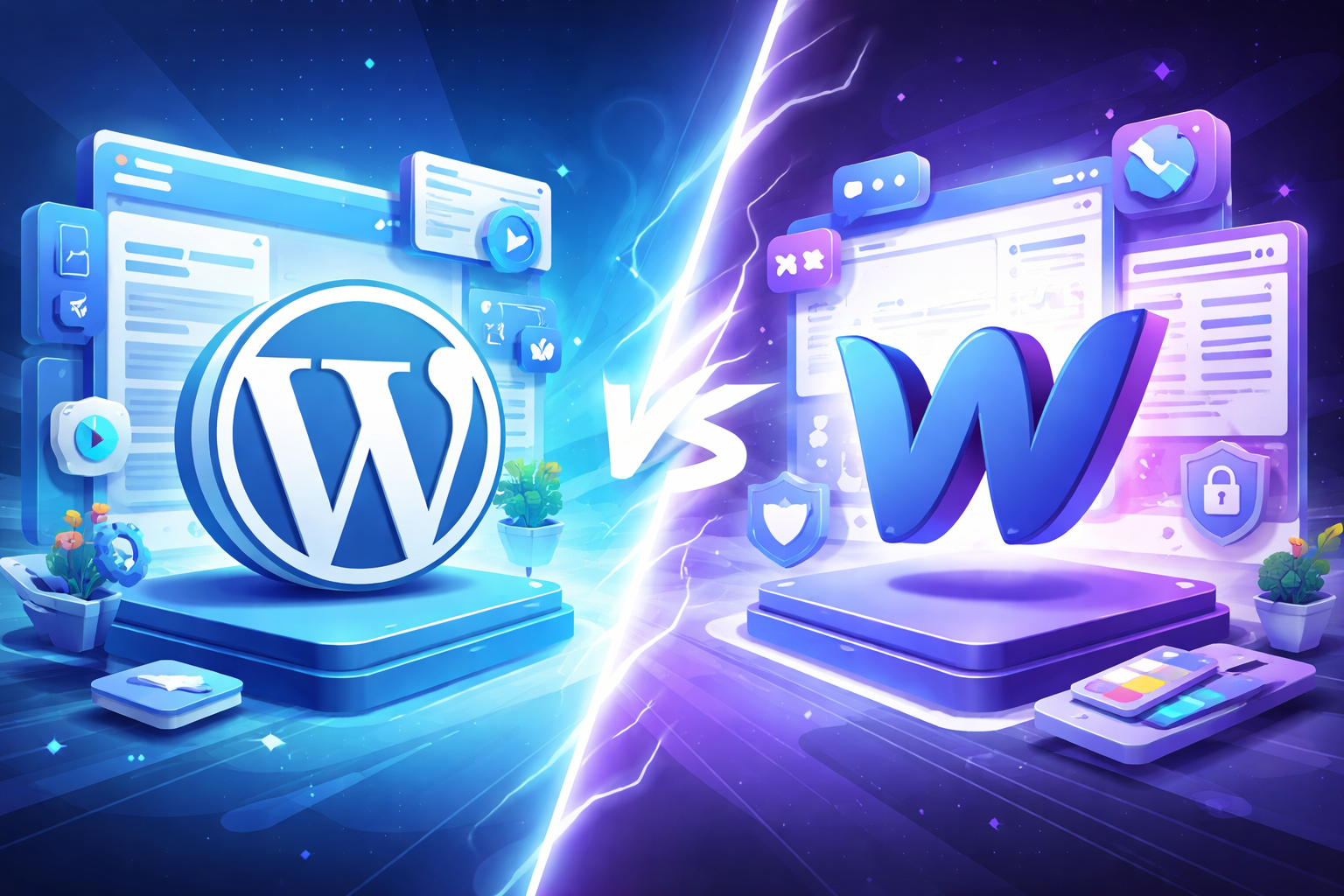
WordPress vs Webflow: Which Platform is Better for Your Website in 2026?
Compare WordPress vs Webflow to understand which platform is better for your website. Learn the key differences in design flexibility, CMS, SEO, performance, and scalability.
Introduction:
In today’s digital ecosystem, selecting the right website platform is one of the most important decisions a business can make. The platform you choose impacts website performance, scalability, design flexibility, security, and maintenance costs.
Two of the most widely used platforms for website development today are WordPress and Webflow.
While both platforms allow businesses to build and manage websites, they differ significantly in their approach to development, customization, and maintenance.
This guide explores the key differences between WordPress and Webflow so you can determine which platform is best suited for your business.
What is WordPress?
WordPress is the most widely used content management system (CMS) in the world, powering more than 40% of websites globally.
Originally launched as a blogging platform, WordPress has evolved into a powerful system capable of building:
- Business websites
- Blogs and media platforms
- E-commerce stores
- Membership sites
- Enterprise websites
Key Features of WordPress
Open-Source Platform
WordPress is open source, which means developers can modify and customize it freely.
Thousands of Plugins
WordPress offers more than 50,000 plugins that extend website functionality.
Examples include:
- SEO tools
- E-commerce integration
- security plugins
- performance optimization
Large Theme Ecosystem
Users can choose from thousands of free and premium themes to design websites quickly.
Strong Blogging Capabilities
WordPress remains one of the most powerful platforms for managing blog content and publishing articles.
What is Webflow?
Webflow is a visual website development platform that allows designers and developers to build websites without traditional coding.
Unlike WordPress, which relies heavily on themes and plugins, Webflow provides a design-first environment where websites are built visually.
Key Features of Webflow:
- Visual Development Interface
Designers can build websites visually while Webflow automatically generates the underlying code.
- Integrated CMS
Webflow includes a powerful CMS that allows businesses to manage:
– blog posts
– team pages
– case studies
– portfolios
- Built-in Hosting
Webflow provides secure hosting and global CDN infrastructure, eliminating the need for third-party hosting providers.
- Advanced Animations
Webflow allows users to create sophisticated animations and interactions without coding.
WordPress vs Webflow: Key Differences
| Feature | WordPress | Webflow |
|---|---|---|
| Platform Type | Open-source CMS | Visual development platform |
| Coding Requirement | Often required for customization | Mostly no-code |
| Plugins | Extensive plugin ecosystem | Limited third-party plugins |
| Hosting | Requires external hosting | Built-in hosting |
| Design Flexibility | Theme-based customization | Full visual design control |
| Maintenance | Requires regular updates | Managed platform |
| Security | Depends on hosting & plugins | Platform-managed security |
Advantages of WordPress:
1. Massive Ecosystem
WordPress has the largest ecosystem of plugins, developers, and community support.
Businesses can easily find tools for:
- SEO optimization
- e-commerce
- marketing automation
- analytics integration
2. Highly Customizable
Because WordPress is open-source, developers can customize almost every aspect of the platform.
3. Ideal for Content-Heavy Websites
WordPress remains the preferred platform for:
- blogs
- magazines
- publishing platforms
- content-driven websites
4. E-commerce Flexibility
With plugins like WooCommerce, WordPress can fully support customizable online stores.
Advantages of Webflow:
1. Design Freedom
Webflow allows designers to create fully custom websites without relying on themes.
2. Faster Development
Visual development significantly reduces development time.
3. Better Performance
Webflow automatically generates optimized code and hosts websites on a fast CDN.
4. Lower Maintenance
Unlike WordPress, Webflow handles:
hosting
security updates
performance optimization
This reduces technical overhead for businesses.
When Should You Use WordPress?
WordPress is ideal for businesses that need:
- large-scale content publishing
- extensive plugin integrations
- complex e-commerce stores
- highly customized development
It is especially suitable for large content-driven websites.
When Should You Use Webflow?
Webflow works best for businesses that want:
- visually polished websites
- faster development timelines
- minimal maintenance
- strong design flexibility
It is particularly popular for:
- startups
- agency websites
- marketing websites
- SaaS websites
WordPress vs Webflow: Which One Should You Choose?
The choice between WordPress and Webflow depends on business requirements, technical expertise, and website complexity.
Choose WordPress if you need:
- extensive integrations
- complex functionality
- large content ecosystems
Choose Webflow if you want:
- faster website development
- strong design control
- minimal maintenance
- built-in hosting and security
Final Thoughts:
Both WordPress and Webflow are powerful platforms, but they serve different types of projects.
WordPress excels in flexibility and scalability, while Webflow excels in design freedom and streamlined development.
For many modern businesses, the best approach is choosing the platform that aligns with their long-term digital strategy, team capabilities, and website goals.
A well-built website is not just a digital presence; it becomes a core engine for brand visibility, lead generation, and business growth.
related blog
-
WordPress vs Webflow: Which Platform is Better for Your Website in 2026?
-
Figma vs Webflow: Website Design vs Development Explained
-
Impact of eBooks in Digital Marketing: Lead Generation & Brand Authority
-
Neuromarketing in UI/UX: How the Brain Decides Before the User Thinks
-
Designing for Trust: Psychological Triggers That Make Users Say ‘Yes’
-
AEO vs SEO: Why Answer Engine Optimization Is Rising in 2026?
-
Emerging UI/UX Trends for 2026: A Complete Breakdown
-
How to Measure Your SEO Success: The Real Metric Most Businesses Ignore
-
Why Good UI/UX Still Fails: The Psychology Traps Designers Overlook

Begin Your Karma

Karmic Presence

INDIA
- elephant@karm.digital
- Vraj Valencia, Behind Mahindra Showroom, Sarkhej Bridge, Sarkhej - Gandhinagar Hwy, Sola, Ahmedabad, Gujarat 380060